Anydesk
AnyDesk, a fast remote access to computers

Safe & Secure
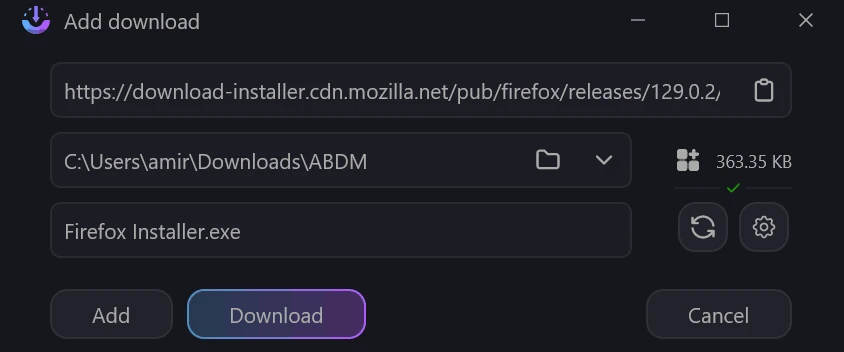
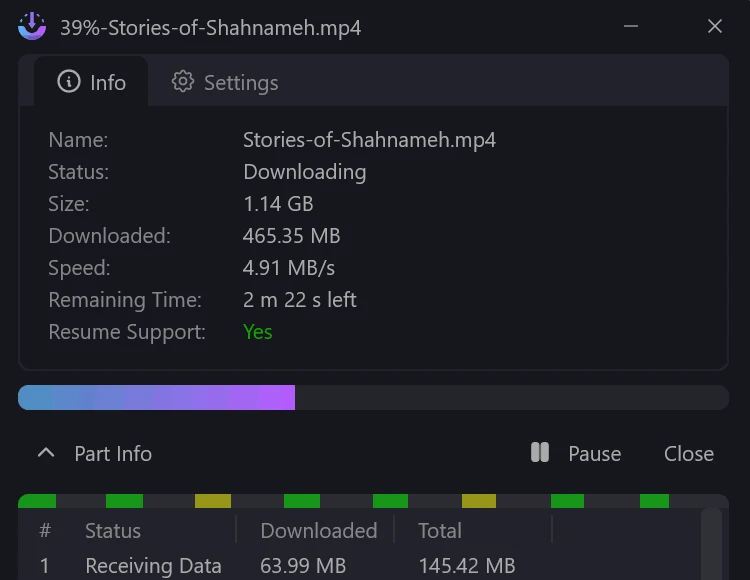
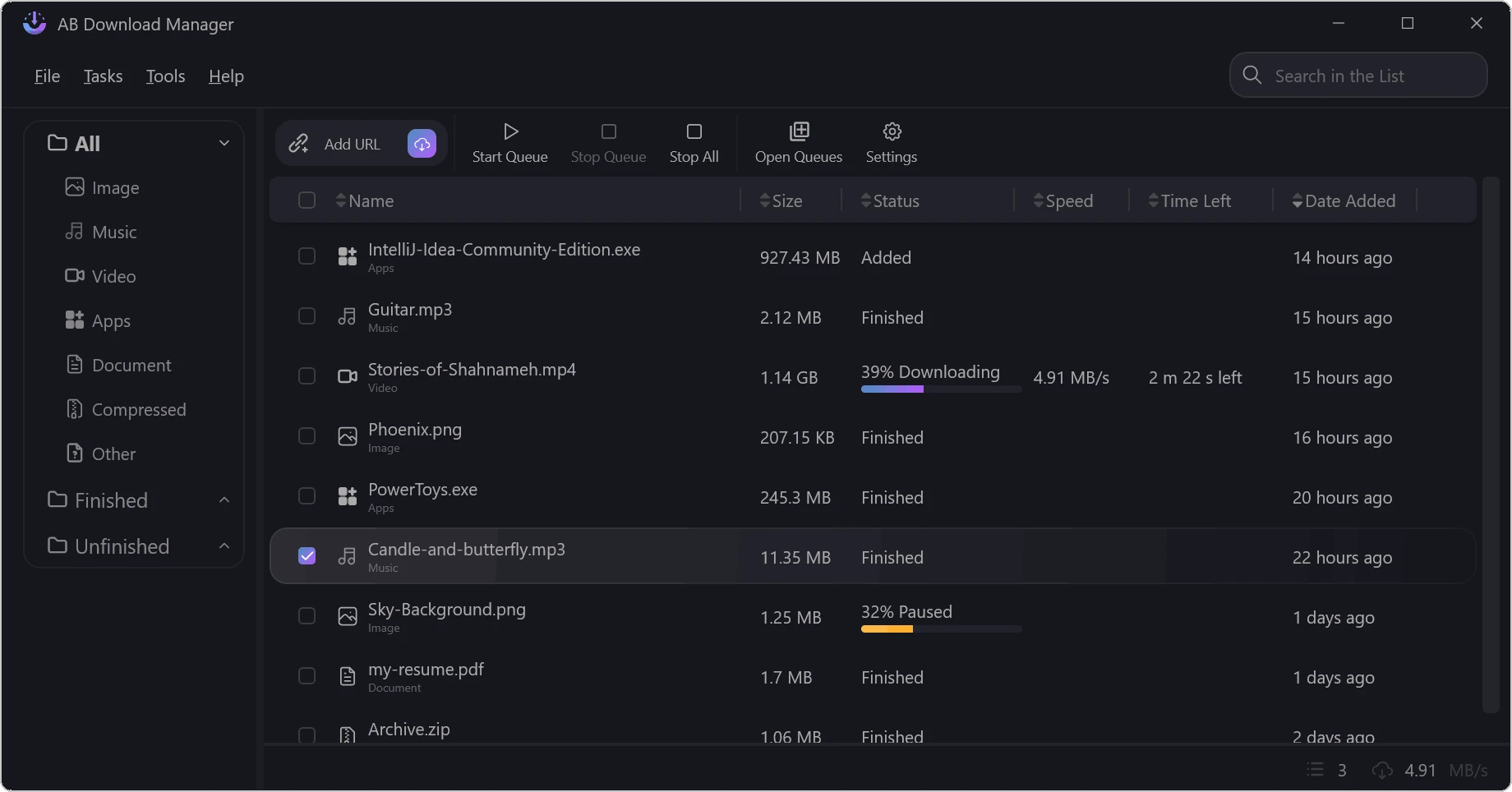
AB Download Manager is an open-source utility used for streamlining a fast and efficient file downloading process. The free-to-use utility with an intuitive interface fosters significant transfer speeds, simplifying the management of download processes. You can select multiple files and add them to the download queue to manage them sequentially.
The innovative app allows users to reliably manage, accelerate, schedule, and organize files. It is free to use and offers multiple premium features such as multi-threaded downloads, browser integration, queues, schedulers, and speed control.
AB Download Manager is a Windows-based download manager, allowing users to download their favorite files from various sources on the internet. It uses multi-connection download technology, offering accelerated large file transfers, organizing download queues, and integrating smoothly with popular web browsers.
It offers a user-friendly learning curve to offer services for users who want robust download control, allowing users to save documents, images, videos, or software. It offers a quick and straightforward process of streamlining the downloading process.
The user-friendly and intuitive interface with quick navigation allows users to quickly access the entire functionality. By default, it is available with sleek dark mode and equipped with buttons such as download list, status indicators, and quick-action, allowing users to operate multiple tasks more reliably, including adding, pausing, resuming, or cancelling. You can also view speed, file size, progress percentage, and estimated remaining time. You can also personalize the workspace using customizable skins and layout options, regardless of whether the workspace is related to simple or advanced workflows.
The app offers robust performance, allowing users to manage and organize their downloads. You will be capable of enhancing your download speed while taking advantage of multiple connections. It boosts the speed up to 500% as compared to traditional downloaders like IDM, FDM, and JDownloader. It reduces interruptions, streamlining the organization process, regardless of whether the downloaded content contains large files or multiple items simultaneously.
The app is officially developed, so you will find it 100% secure without adware and malware, even when downloading from the vendor site. The use of standard HTTPS, HTTP, and FTP helps to handle system-level security settings. However, it is necessary to download the installer from the official site and update the app and extensions regularly to avoid tampered packages.
It is one of the core features, specifically when you have to download multiple files simultaneously. You can reliably handle sequential downloads, create a unique download queue, and line up multiple files for download. The innovative feature allows users to manage input lists, grouping download links together. In this way, you can download files one-by-one, hassle-free.
The built-in download scheduler enables users to schedule download queues, picking the days and time intervals. It helps to manage large downloads using additional control, preventing network bottlenecks. It also enables users to start and stop the downloading process automatically, and take advantage even in offline time. You can easily customize your downloading experience.
It is another significant feature for the ease of users to manage their download speed limits, avoiding an overwhelmed internet connection. It is the best solution for users who have to share their connection with others, and it allows you to efficiently balance the speed without impacting your internet connection. It is also helpful for enhancing the large file transfer rates, saving your time and data as well.
Beyond offering compatibility for all types of Windows versions, the app also offers seamless integration with multiple popular web browsers like Chrome, Opera, Firefox, Vivaldi, and Brave. It's allowing users to generate download links automatically and manage large files hassle-free without any extra steps. The support for multiple extensions and plug-ins helps to increase productivity.
The app with a freemium model offers a fully functional free version, offering all basic features without demanding a fee. However, you can access the premium version to enjoy advanced functionality such as advanced scheduling, additional simultaneous connections, priority support, and so on. You will find a flexible subscription plan with monthly and lifetime options for accommodating casual as well as professional workflows.
Pros
Cons

AnyDesk, a fast remote access to computers

Accelerated Downloading with Internet Download Manager (IDM)

SHAREit for PC is the best option for a P2P file-sharing process without using Wi-Fi.

ShareMe for PC, a freeware and streamlined file-sharing app

uTorrent, a powerful, lightweight, and fastest P2P file-sharing software

Xender for PC, an effective and convenient file transfer utility